
Meet Geeps 2.0
A refreshed Geeps with more control over providers, tools, images, and the way your chats look and feel.
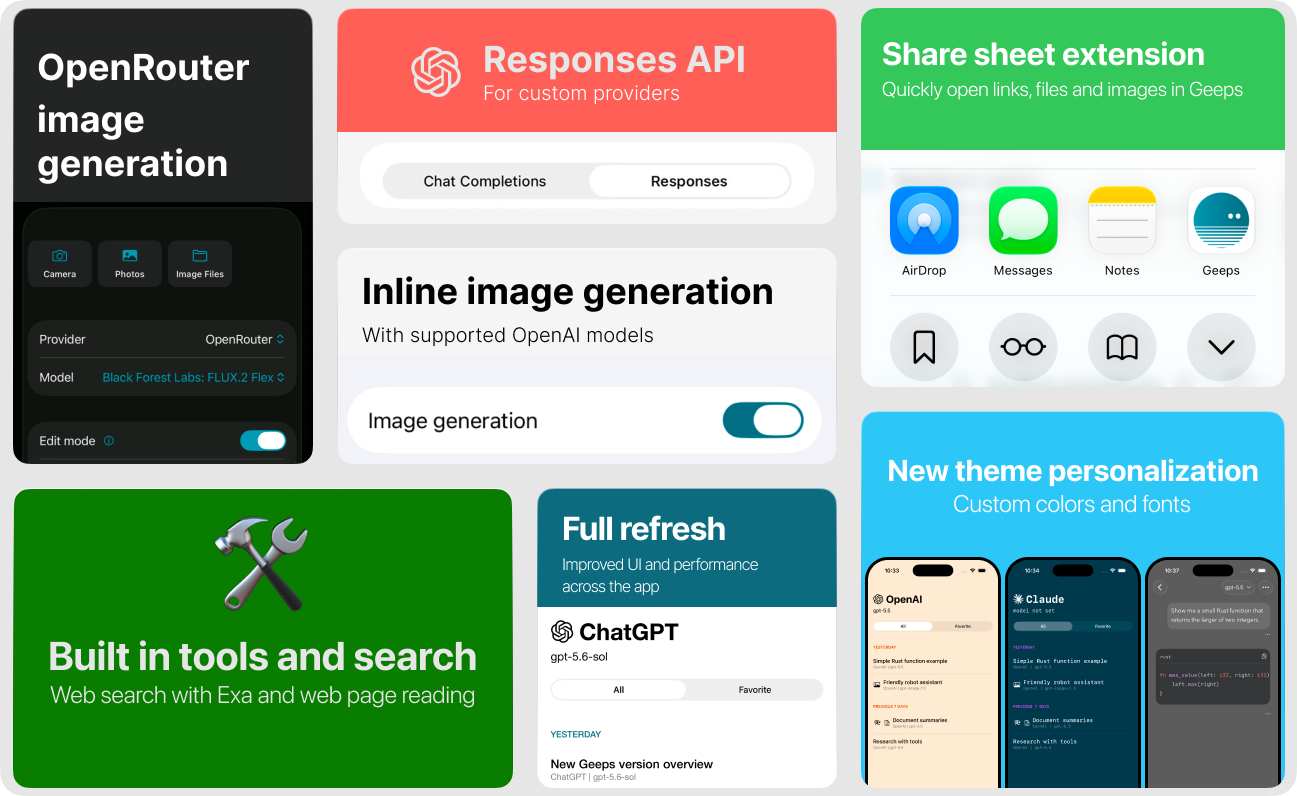
Geeps 2.0 is the largest update to the app so far. It expands what you can do with AI providers while keeping the native experience on iPhone, iPad, and Mac.
It took me a bit of time to work on this release as I had my doubts on whether it's even worth continuing. Now that the industry shifts to agents, are chat apps relevant at all? Probably not in their original sense. We now expect chat apps to be our assistants that can do stuff, not just respond to questions.
That said there is still value in portable provider agnostic clients and I keep receiving user feedback and requests for new features. So the work continues and Geeps can evolve into a more helpful and agentic assistant. This new release is the first step in that direction and comes with significant changes under the hood that deserve a major version bump.
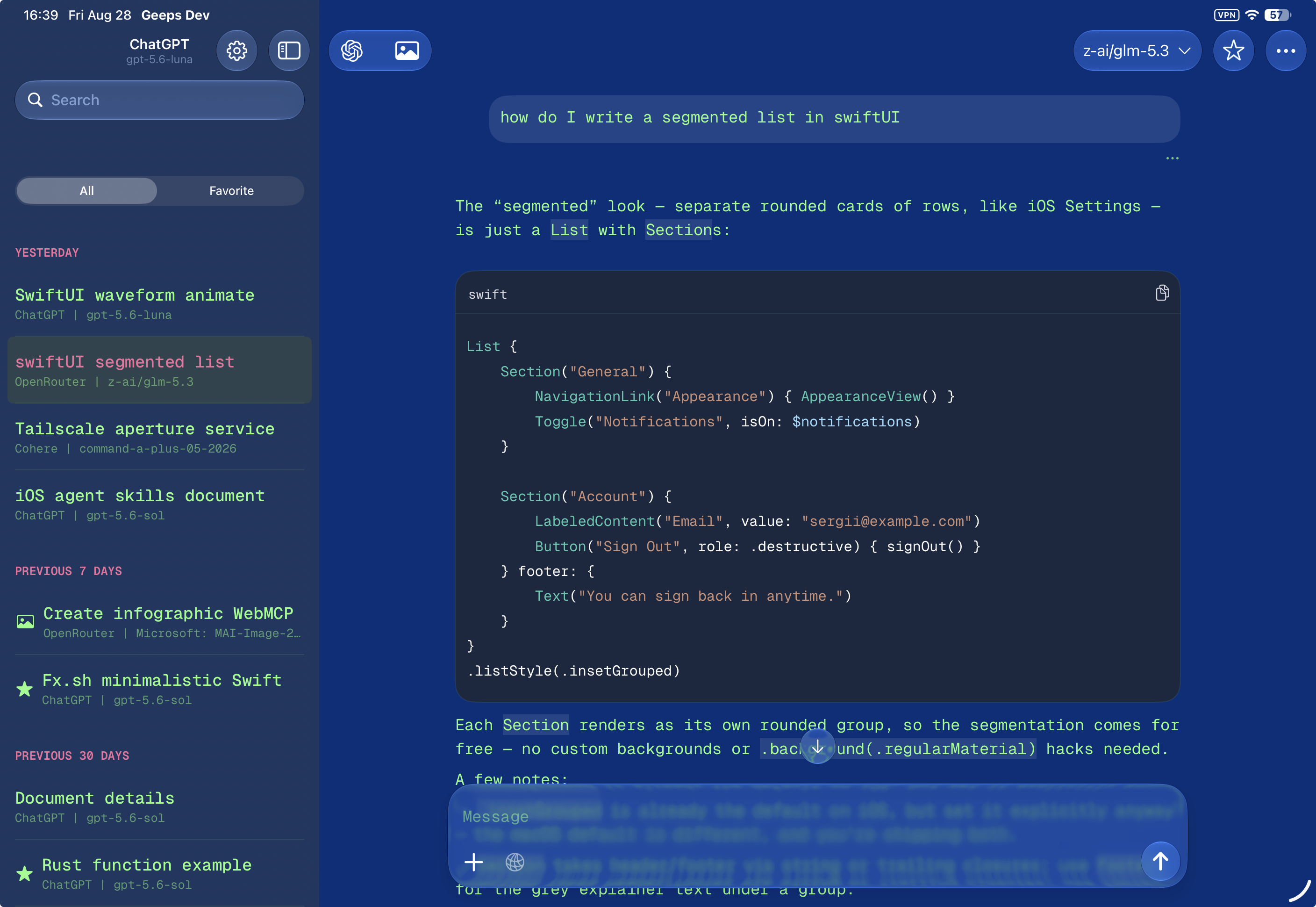
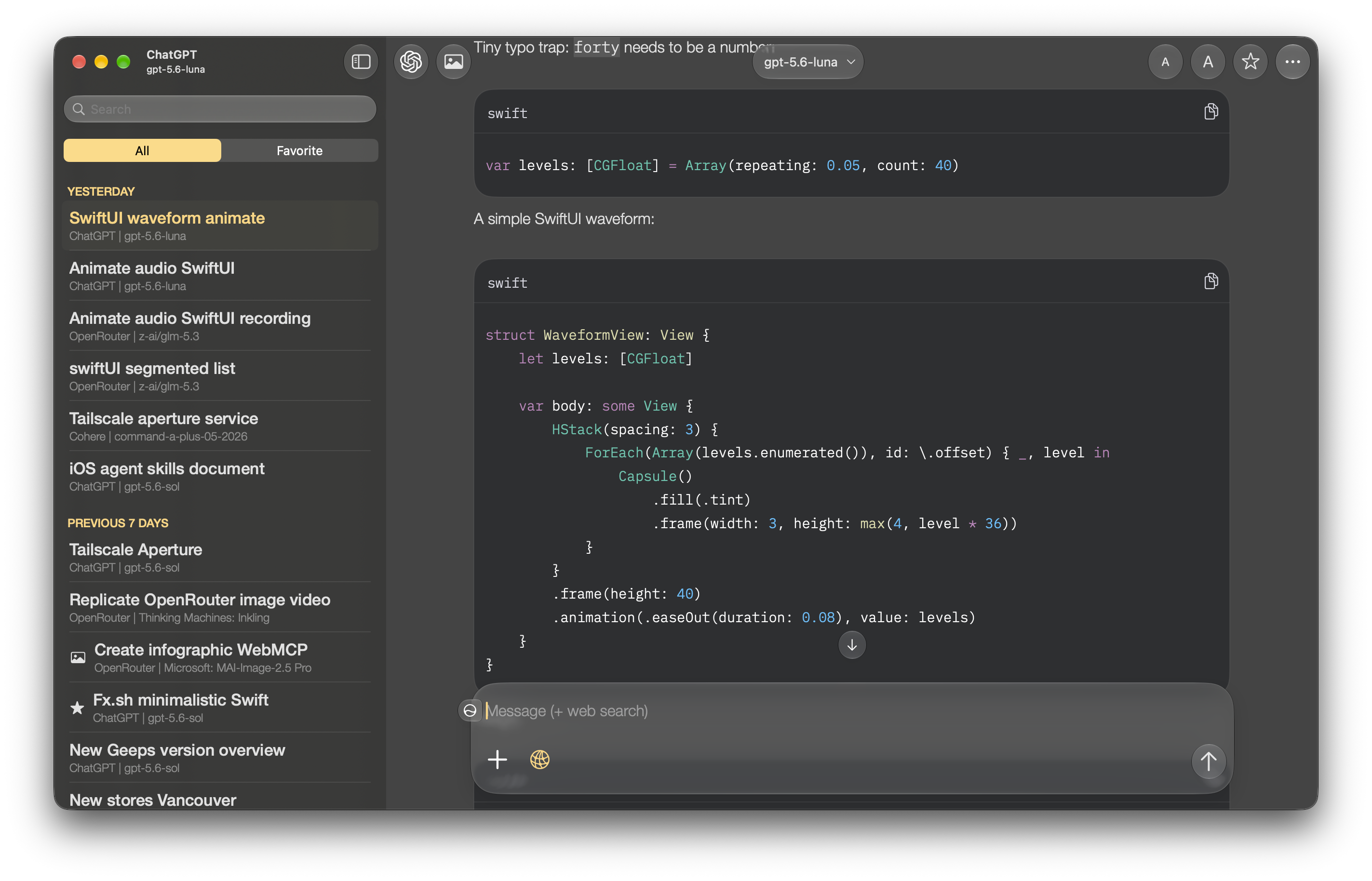
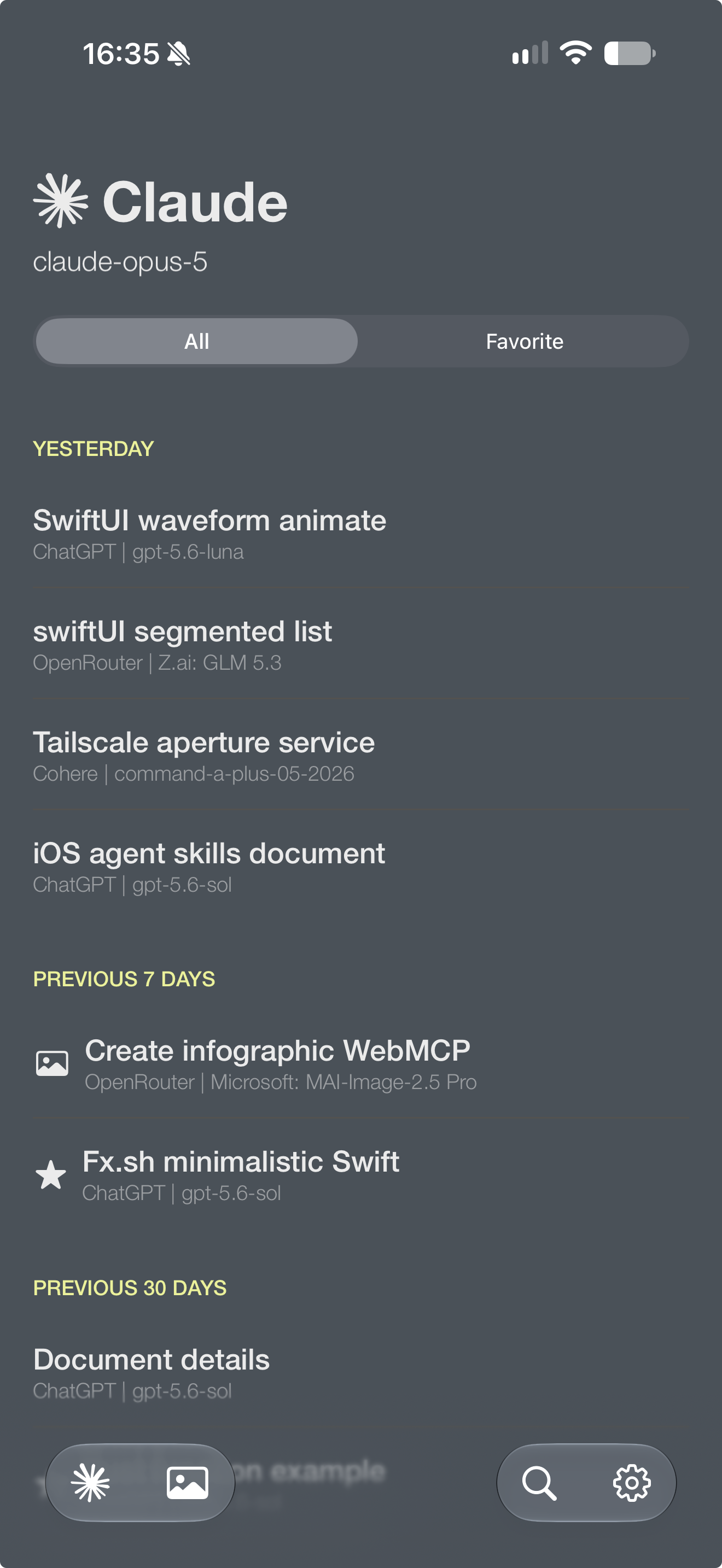
Make Geeps look like your app
But first I wanted to give it a fresh look and additional customization options, including fonts. The new appearance settings were inspired by the new desktop ChatGPT/Codex app that lets you change three fundamental things: background color, foreground (or text) color and accent color. Together with chat and code font selection options this allows creating virtually endless looks.
On Mac and iPad, you can limit the chat width for a more focused reading layout.
Use more providers and API types
Geeps 2.0 adds Responses API support for custom providers. You can choose the API type that matches the provider and model you want to use. Many providers start adopting Responses API, for example SpaceXAI and Deepseek, so you can now apply this to any of your custom providers.
The app also improves model loading for OpenAI-compatible providers. It accepts more variations of the /models response instead of expecting every provider to return the exact same structure.
Search, read, and create with new tools
Geeps Plus adds provider-neutral tools that work across supported providers:
- Read web page extracts reader-friendly text from a URL using
@mozilla/readabilitypackage under the hood. - Exa Search adds web search to providers that do not include their own server-side search tool. Exa is a great service that already powers search on OpenRouter and has an official plugin for ChatGPT and Codex. You can register with Exa, get an API key and use it in Geeps.
- Inline image generation lets supported OpenAI models create images during a text conversation. This works with
gpt-5family of models (and newer) and allows requesting images in a regular text chat. When you generate one image you can then continue requesting edits in the same conversation. - OpenRouter image generation gives you access to supported image models and their parameters. This expands image generation with the most popular models like Nano Banana, Grok Imagine, Flux, ByteDance Seedream, Microsoft MAI and others. OpenRouter supports image editing too.
In the near future I'm planning to add more search providers, built-in tools as well as MCP support and possibly image generation support for custom providers.
Start from the Share Sheet
The new iOS Share Sheet extension can send a URL, image, or file directly to Geeps. You can share a web page from Safari and ask Geeps to read or summarize it without manually copying the address. Or share a photo or file to quickly create a new chat with an attachment.
A clearer conversation experience
The update refreshes the message layout, Markdown rendering, tool-call display, loading states, and conversation actions. Streaming and scrolling are also faster and long conversation handling has been improved.
For the complete list of changes, read the Geeps 2.0 release notes.